Why Is My Website Not Getting Traffic?
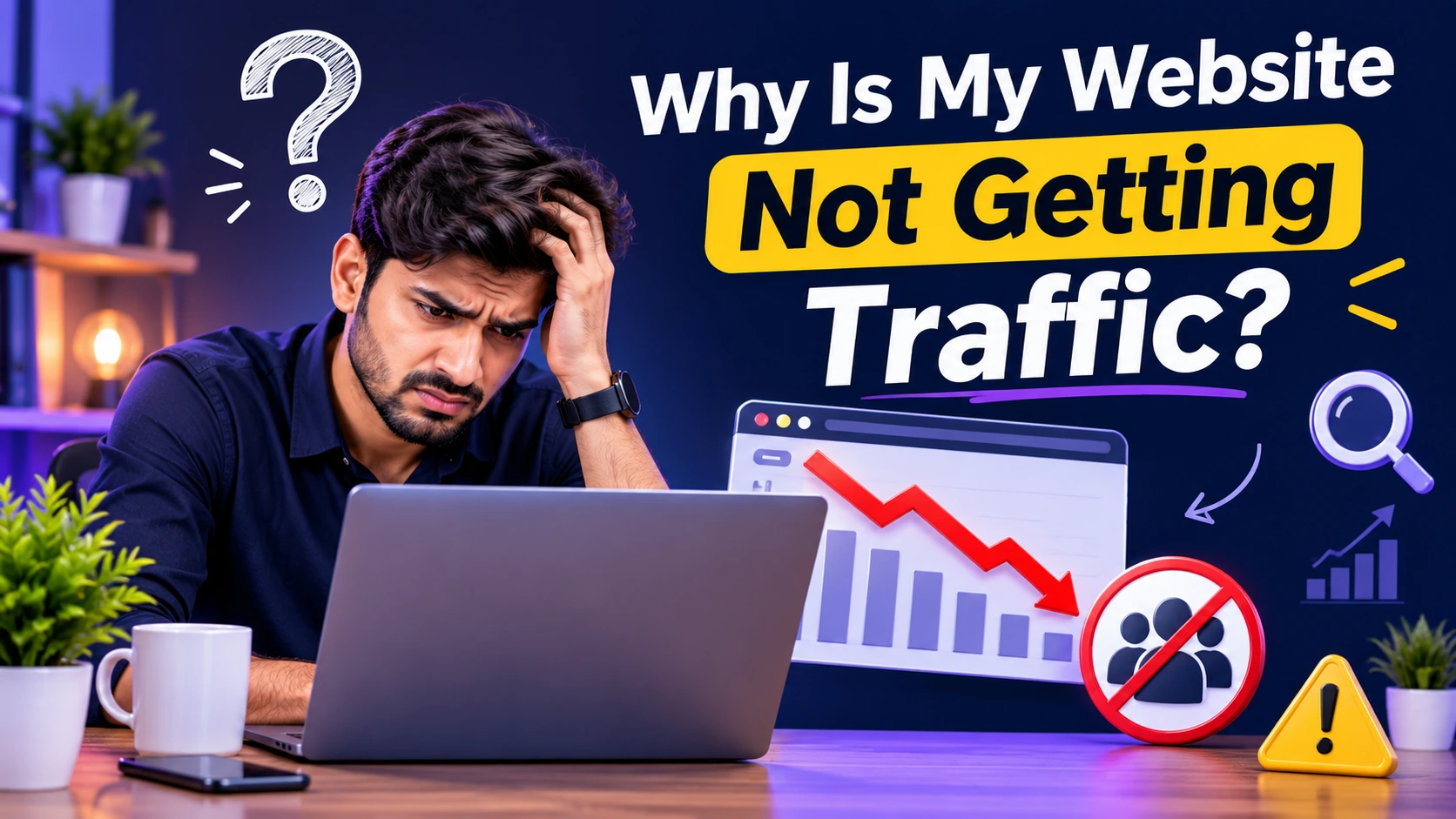
You have invested time and money in building a website, added your products or services, and published content, but visitors are still not coming. You regularly check your website analytics and wonder why your website is not getting traffic even though everything looks fine.
This is a common challenge for many business owners. A website can look professional and still struggle to attract visitors if it does not have the right SEO strategy, keyword targeting, technical foundation, or content structure.
The good news is that most website traffic problems can be identified and improved with the right approach. Instead of publishing random blog posts or building backlinks without a plan, you need to understand what is stopping your website from appearing in relevant Google searches.
In this guide, we will explain 11 common reasons why your website is not getting traffic, how to identify these issues, and what practical steps you can take to increase your website’s organic visibility.
Quick Answer: Why Is My Website Not Getting Traffic?
Your website may not be getting traffic because Google has not indexed your important pages, you are targeting the wrong keywords, your content does not match search intent, your website has technical SEO issues, or your pages are not competitive enough to rank.
Other factors include weak internal linking, poor page experience, missing backlinks, low-quality content, and a lack of consistent SEO improvements.
The best solution is to identify the actual problem through Google Search Console, review your website structure, improve your content, and follow a consistent SEO strategy.
1. Your Website Is Not Properly Optimized for SEO
One of the biggest reasons a website struggles to attract visitors is the absence of proper search engine optimization.
Simply creating a website does not mean Google will automatically understand what your business offers or which searches your pages should appear for.
Without proper SEO optimization, search engines may struggle to understand your page topics, services, and relevance to users’ searches.
For example, if you offer web design services but your website does not clearly explain your services, target audience, and relevant keywords, it may struggle to appear for searches related to website development.
How to fix it:
- Optimize every important page around a clear primary keyword.
- Write unique SEO titles and meta descriptions.
- Use proper H1, H2, and H3 headings.
- Add relevant internal links between related pages.
- Optimize images with descriptive alt text.
- Improve page content to answer users’ questions.
- Make sure your website is mobile-friendly.
If you are new to search engine optimization, read our guide on what is SEO and how does it work to understand the fundamentals.
2. You Are Targeting the Wrong Keywords
Another common reason for low website traffic is targeting keywords that do not match what your potential customers are searching for.
Many businesses choose keywords based on their own assumptions instead of understanding actual search behaviour.
For example, a small business may target a highly competitive keyword such as “digital marketing” instead of more specific phrases related to its services and audience.
The problem is not always the quality of your website. Sometimes, you are simply targeting the wrong search terms.
How to fix it:
- Research keywords before creating new pages.
- Identify what your potential customers search for.
- Focus on relevant long-tail keywords.
- Understand the search intent behind every keyword.
- Analyze keyword difficulty and competing pages.
- Assign different primary keywords to different pages.
For better results, use Google Keyword Planner and Google Search Console to identify relevant search opportunities.
You can also explore our detailed guide on keyword research in SEO to understand how to find keywords that match your business goals.
3. Your Website Pages Are Not Indexed by Google
If Google has not indexed your important website pages, those pages generally cannot appear in its organic search results.
This is particularly important for new websites and recently published blog posts.
Sometimes, website owners publish content and expect it to appear on Google immediately. However, crawling, indexing, and ranking are different processes.
A page may exist on your website without being indexed by Google.
How to check indexing:
- Open Google Search Console.
- Select your website property.
- Open the URL Inspection tool.
- Enter the URL of the page you want to check.
- Review its indexing status.
- If the page is eligible but not indexed, investigate the reported issue and request indexing when appropriate.
How to fix it:
- Submit your XML sitemap to Google Search Console.
- Check whether important pages have a noindex tag.
- Review your robots.txt file.
- Fix incorrect canonical URLs.
- Improve internal links to important pages.
- Ensure the page returns a successful HTTP response.
Remember that requesting indexing does not guarantee that Google will index or rank a page.
4. Your Website Content Does Not Match Search Intent
Publishing content is important, but creating content that actually answers users’ questions is even more important.
Search intent refers to the reason behind a user’s search query.
For example, someone searching “what is SEO” generally wants an explanation, while someone searching “SEO services for small businesses” may be looking for professional assistance.
If your content does not satisfy the user’s actual requirement, it may struggle to perform well in search results.
How to fix it:
- Understand what users expect when searching for a keyword.
- Analyze the type of pages appearing in Google results.
- Answer the main question early in your article.
- Include useful examples and actionable recommendations.
- Avoid unnecessary paragraphs that do not help readers.
- Cover related questions naturally.
- Update outdated information.
Your goal should be to create content that genuinely helps readers instead of simply repeating keywords.
5. Your Website Has Technical SEO Issues
Technical SEO plays an important role in making your website accessible, crawlable, and understandable for search engines.
Even if you publish high-quality content, technical problems can prevent important pages from performing properly.
Some common technical SEO issues include:
- Broken internal links.
- Incorrect canonical tags.
- Duplicate pages.
- Slow website loading speed.
- Missing XML sitemap.
- Incorrect robots.txt configuration.
- Mobile usability problems.
- Redirect chains and unnecessary redirects.
- Pages returning server errors.
How to fix it:
Start by performing a complete technical SEO audit of your website.
Check your website using Google Search Console, PageSpeed Insights, and other reliable SEO auditing tools.
Prioritize issues that prevent Google from accessing, crawling, or understanding your important pages.
You can also explore our technical SEO services to understand the technical improvements that support better website performance.
6. Your Website Has Weak Internal Linking
Internal linking is one of the most overlooked parts of website SEO.
An internal link connects one page of your website to another page on the same domain.
For example, if you publish a blog about website traffic problems, you can naturally link to related articles about SEO basics, keyword research, and website ranking strategies.
Without a proper internal linking structure, users may find it difficult to discover related information, and search engines may have fewer paths to discover important pages.
How to fix it:
- Link related blog posts together.
- Connect informational blogs with relevant service pages.
- Use descriptive and meaningful anchor text.
- Link to important pages from relevant content.
- Avoid adding unnecessary links just to increase link numbers.
- Make sure your internal links work correctly.
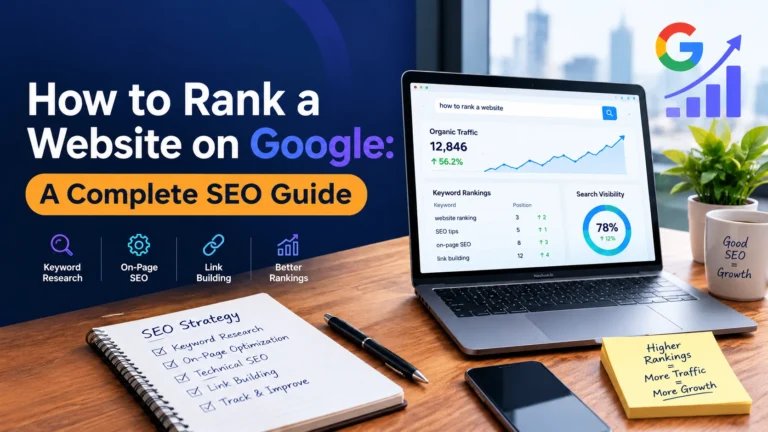
For example, if you want to understand how Google rankings work, read our guide on how to rank a website on Google.
A well-planned internal linking structure helps create stronger connections between related topics across your website.
7. Your Website Does Not Have Enough High-Quality Backlinks
Backlinks are links from other websites pointing to your website.
Relevant and trustworthy backlinks can help search engines discover your content and understand your website’s authority.
However, building hundreds of random backlinks does not automatically improve your rankings.
Low-quality, irrelevant, manipulative, or spammy link-building practices can create problems instead of helping your SEO strategy.
How to fix it:
- Focus on relevant websites within your industry.
- Create useful content that others may want to reference.
- Build genuine business and industry relationships.
- Look for relevant guest posting opportunities.
- Earn links through original resources and useful guides.
- Monitor your backlink profile regularly.
Quality, relevance, and natural link acquisition matter more than simply increasing your total backlink count.
8. Your Website Loading Speed Is Too Slow
Website speed affects the overall user experience.
When visitors open a website and it takes too long to load, they may leave before viewing its content.
Slow loading can also contribute to poor page experience, particularly on mobile devices and slower internet connections.
Google uses Core Web Vitals as part of its page experience assessment, although good scores alone do not guarantee higher rankings.
How to fix it:
- Compress large images.
- Use modern image formats such as WebP.
- Reduce unnecessary plugins and scripts.
- Enable browser caching.
- Use a reliable hosting provider.
- Minimize unnecessary CSS and JavaScript.
- Check your website using Google PageSpeed Insights.
Do not focus only on desktop performance. Test your website on mobile devices because many users access business websites through smartphones.
9. Your Website Is Not Mobile-Friendly
A website that looks good on a desktop computer may not provide the same experience on mobile devices.
If text is too small, buttons are difficult to click, images overflow, or navigation is confusing, visitors may leave without exploring your website.
Google primarily uses the mobile version of website content for indexing and ranking.
How to fix it:
- Use a responsive website design.
- Make text readable on smaller screens.
- Ensure buttons have enough clickable space.
- Avoid horizontal scrolling.
- Optimize images for mobile screens.
- Keep navigation simple.
- Test important pages on different screen sizes.
A mobile-friendly website makes it easier for visitors to access information and interact with your business.
10. Your Website Does Not Have Enough Helpful and Updated Content
A website with only a few basic pages may have limited opportunities to appear for different relevant searches.
For example, a digital marketing agency can create helpful content around SEO, keyword research, technical optimization, local SEO, website traffic, and organic lead generation.
However, publishing content just to increase the number of pages is not a good strategy.
Every article should provide useful information and serve a clear purpose.
How to fix it:
- Create content around your main business services.
- Answer common customer questions.
- Publish detailed guides and practical tutorials.
- Update old articles when information changes.
- Add relevant examples and supporting information.
- Connect related articles through internal links.
- Avoid publishing duplicate or repetitive content.
A useful content strategy helps build topical relevance and creates more opportunities to attract visitors through organic search.
11. You Are Not Monitoring Your SEO Performance Regularly
Many website owners publish blogs, build backlinks, and make website changes without checking whether these activities are producing results.
Without monitoring your performance, it becomes difficult to identify which pages are improving and which need attention.
Google Search Console is one of the most useful free tools for understanding how your website performs in Google Search.
It provides information about:
- Total organic clicks.
- Search impressions.
- Average search position.
- Click-through rate (CTR).
- Search queries.
- Page indexing status.
- Website search performance.
How to fix it:
- Open Google Search Console.
- Go to the Performance report.
- Select a suitable date range.
- Review your top-performing queries.
- Identify pages receiving impressions but very few clicks.
- Find pages with declining performance.
- Improve their titles, content, and internal links where necessary.
For example, if a page receives impressions but very few clicks, its title or description may not be compelling enough, or it may be ranking too low for the query.
Regular monitoring helps you make informed SEO decisions instead of guessing what might work.
How to Increase Website Traffic: A Practical SEO Action Plan
Understanding why your website is not getting traffic is only the first step. The next step is to follow a structured improvement plan.
Here is a practical action plan for businesses that want to improve their organic website traffic.
| Timeline | What to focus on | Main objective |
|---|---|---|
| Week 1 | Indexing and technical SEO | Fix important website issues |
| Week 2 | Keyword research and on-page SEO | Improve keyword targeting |
| Week 3 | Content optimization and internal links | Strengthen content relevance |
| Week 4 | Relevant backlinks and performance tracking | Build authority and measure progress |
This is a suggested starting schedule, not a guarantee of ranking or traffic improvements within 30 days. Actual results depend on your website, competition, existing SEO condition, and search demand.
How Long Does It Take to Increase Organic Website Traffic?
SEO is a long-term process, and website traffic does not usually increase overnight.
The time required depends on several factors, including your website’s age, competition, content quality, technical condition, backlink profile, and keyword difficulty.
New websites may need more time to establish visibility, while established websites may have opportunities to improve existing pages more quickly.
Instead of expecting immediate results, monitor your progress through Google Search Console and focus on improving your website consistently.
For a better understanding, read our detailed guide on how long SEO takes to show results.
When Should You Consider Professional SEO Services?
If you have already created a website, published content, and tried different optimization methods but still struggle with organic visibility, it may be time to get professional assistance.
An experienced SEO professional can help identify technical problems, analyze competitors, find keyword opportunities, improve existing content, and develop a strategy based on your business goals.
At Avidra Solutions, we focus on helping businesses improve their search visibility through strategic SEO, technical improvements, keyword research, on-page optimization, local SEO, and link-building strategies.
Our approach focuses on understanding your website’s current condition before recommending improvements.
Explore our SEO services to learn how a structured SEO strategy can support your business’s online growth.
Frequently Asked Questions
1. Why is my website not getting traffic from Google?
Your website may not receive traffic because of indexing issues, poor keyword targeting, weak content, technical SEO problems, or strong competition. Start by checking your Google Search Console performance and indexing reports.
2. How can I increase website traffic organically?
You can increase organic website traffic by targeting relevant keywords, improving existing content, fixing technical SEO issues, building relevant backlinks, and creating a strong internal linking structure.
3. Why is my website indexed but not getting visitors?
Indexing only means that Google has included a page in its index. It does not guarantee rankings or clicks. Your page may target competitive keywords, have weak search relevance, or appear too low in search results.
4. How long does it take for a new website to get traffic?
There is no fixed timeline. A new website may take several months to build meaningful organic visibility, depending on its industry, competition, content, technical SEO, and authority.
5. Can backlinks help increase website traffic?
Relevant backlinks can support SEO by helping search engines discover your content and by contributing to your website’s authority. However, backlinks alone cannot guarantee traffic or higher rankings.
6. Does publishing more blogs increase website traffic?
Publishing helpful and relevant blogs can create more opportunities to appear in search results. However, quantity alone does not guarantee traffic. Each article should address a real user need and target an appropriate search intent.
7. How do I check whether my website is getting organic traffic?
You can use Google Search Console to monitor clicks, impressions, search queries, and average positions. Google Analytics 4 can help you understand how visitors arrive at your website and interact with its pages.
8. Is SEO better than paid advertising for website traffic?
SEO can build long-term organic visibility, while paid advertising can generate visibility through campaigns while you are paying for them. The right approach depends on your business goals, budget, and timeline. Read our guide on SEO vs paid ads for a detailed comparison.
Final Thoughts
If your website is not getting traffic, publishing more pages without understanding the underlying problems may not solve the issue.
Start by checking whether Google can access and index your important pages. Then review your keyword strategy, improve your content, fix technical SEO issues, strengthen internal links, and monitor your performance regularly.
Remember, successful SEO is not about using as many keywords or building as many backlinks as possible. It is about making your website more useful, relevant, accessible, and trustworthy for both users and search engines.
If you want to understand what is holding your website back, Avidra Solutions can help you identify SEO improvement opportunities and build a strategy focused on sustainable organic growth.
Ready to improve your website’s Google visibility? Explore Avidra Solutions and take the next step towards stronger online growth.